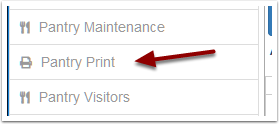
In order for a user to access the Pantry Print app. They will need to have permissions to the Pantry Print item.
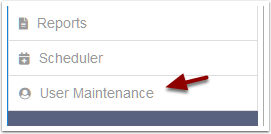
Select the user that needs the Pantry Print menu item

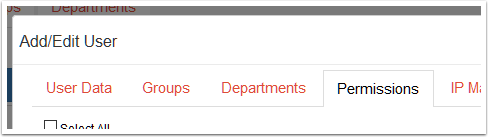
This will open a dialog where you can edit the user. Select the Permissions tab.
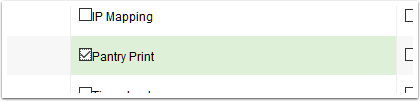
Tick the checkbox next to Pantry Print
Click the Save User button
After the user re-logs, they will see the Pantry Print option in the dashboard menu.