Funding Types are a user-managed list of fund types available to the warehouse users when fulfilling an order. After being added, they will likely not need to be changed unless they need to be marked inactive.
Navigation
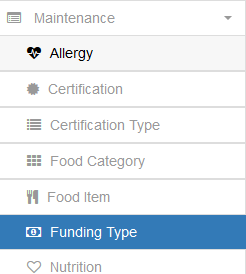
Expand the Maintenance tab on the navigation bar and select Funding Type to manage the Funding Types available in your system
Adding a Funding Type

First, click the Add Funding Type button at the top right of the Funding Type grid to open the Create Funding Type dialog window.
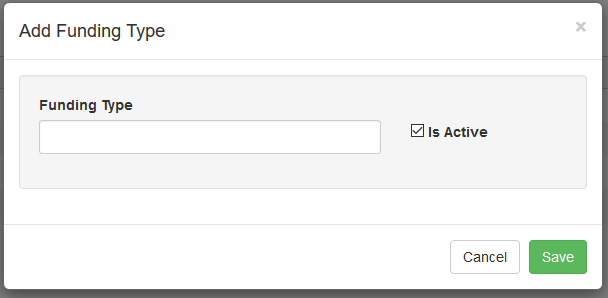
Name the Funding Type and click Save. It will then be available for use in Orders within the system.