Occasions can be added by the user to track items that were ordered for a specific holiday or event. The occasions are user-managed through the Occasion maintenance screen.
Navigation
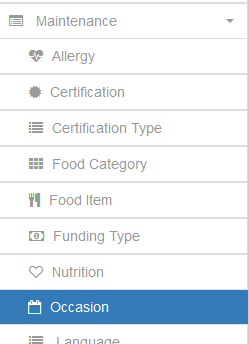
Expand the Maintenance tab on the Navigation bar and select Occasion to get to the Occasion maintenance window
Adding an Occasion

Click the Add Occasion button at the top right of the Occasions grid to open the Add Occasion dialog window.
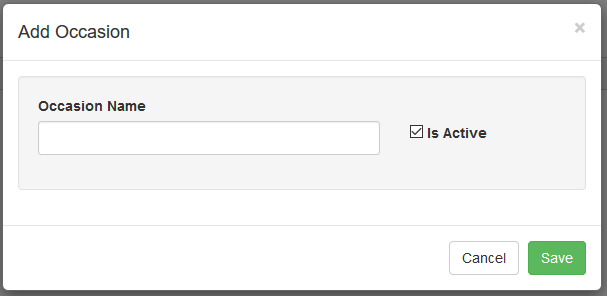
Add the name of the occasion and save and users will be able to designate received order items as being for a specific occasion.