Vendors are a user managed list of places that the warehouse receives orders from.
Navigation
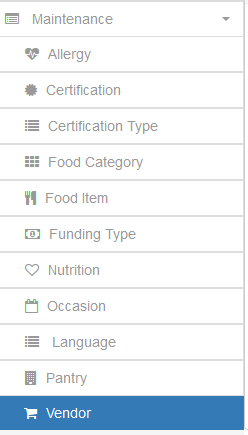
Expand the Maintenance tab on the Navigation bar and click the Vendor option to get to the Vendor Maintenance window.
Adding a Vendor

Click the Add Vendor button at the top right of the Vendors grid to open the Add Vendor dialog window
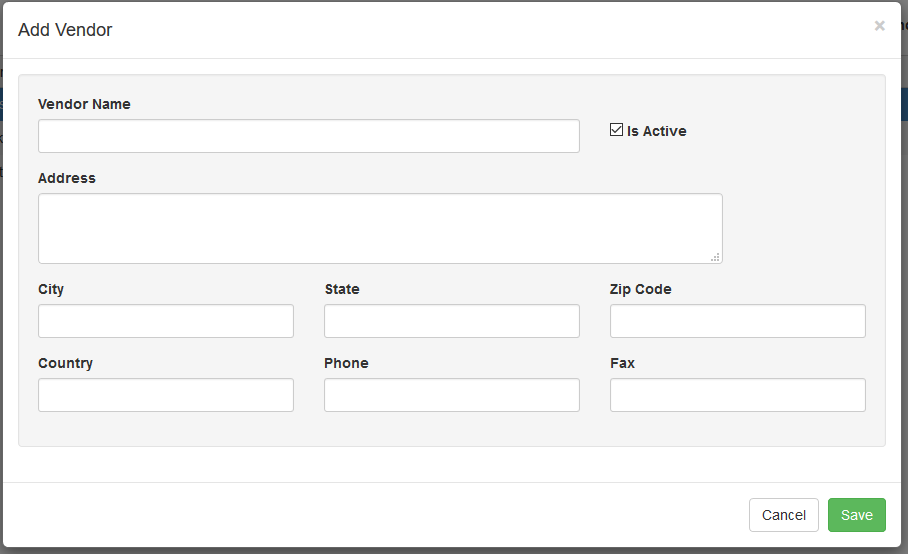
Fill out the relevant information on the Vendor and click Save. The Vendor will now be selectable when you are entering orders in the system.