Details how to add a new denial reason.
Open the Other Lists Screen
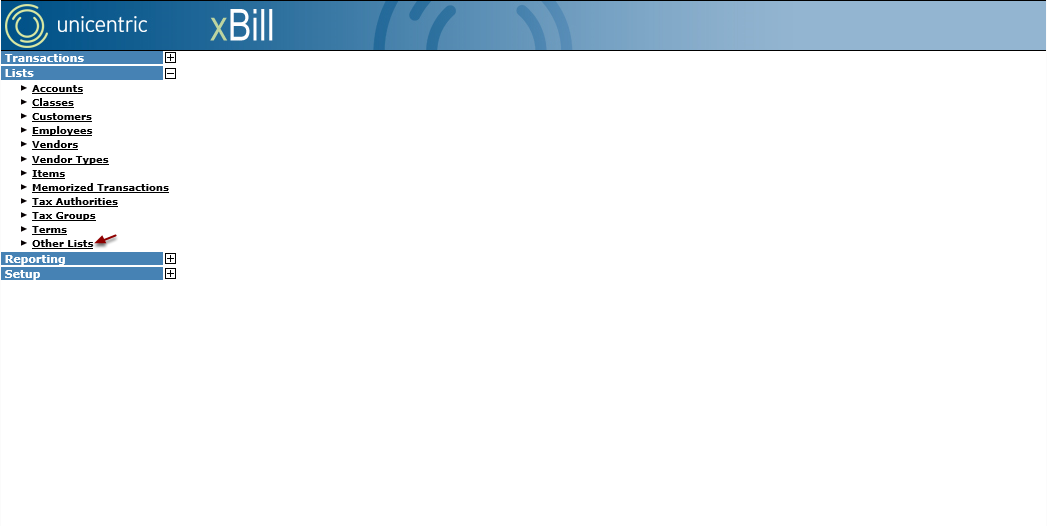
Under Lists, select the Other Lists option.
Select Denial Reasons
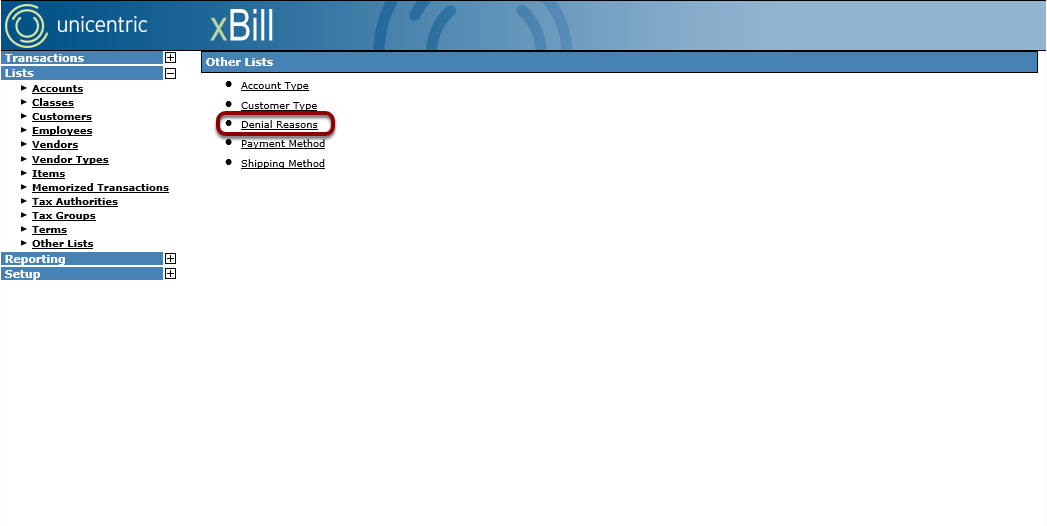
From the Other Lists screen, select the Denial Reasons option.
Select Add New
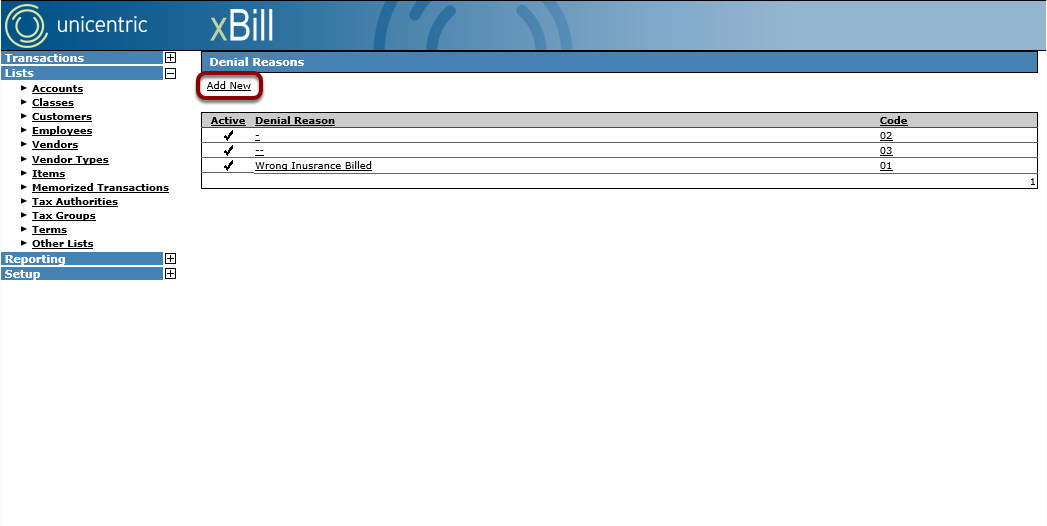
From the Denial Reasons screen, select the Add New option.
Add New Denial
Fill out information and create the denial.
Enter Reason
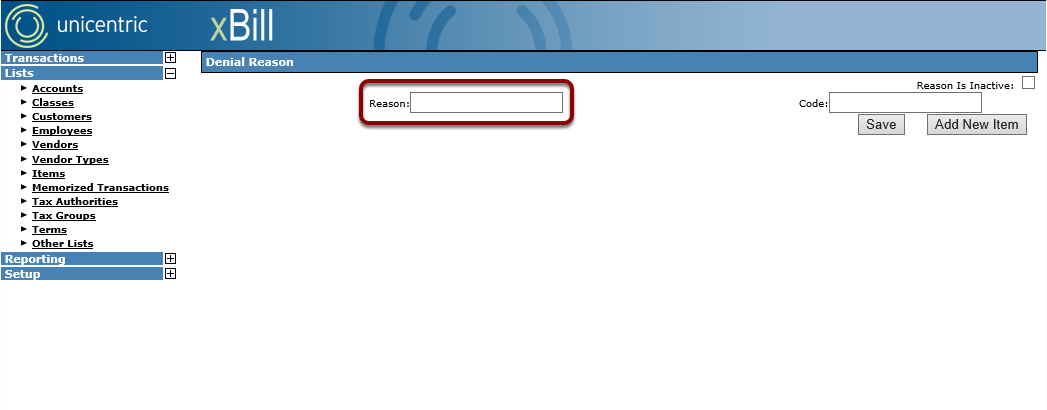
Enter the reason for denial into the Reason field.
Enter Code
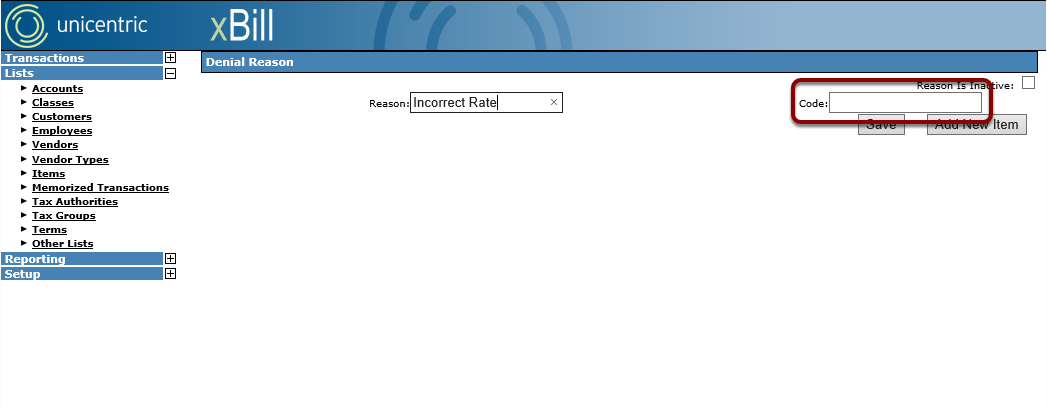
Enter a code for the new denial reason into the Code field.
Save the Denial Reason
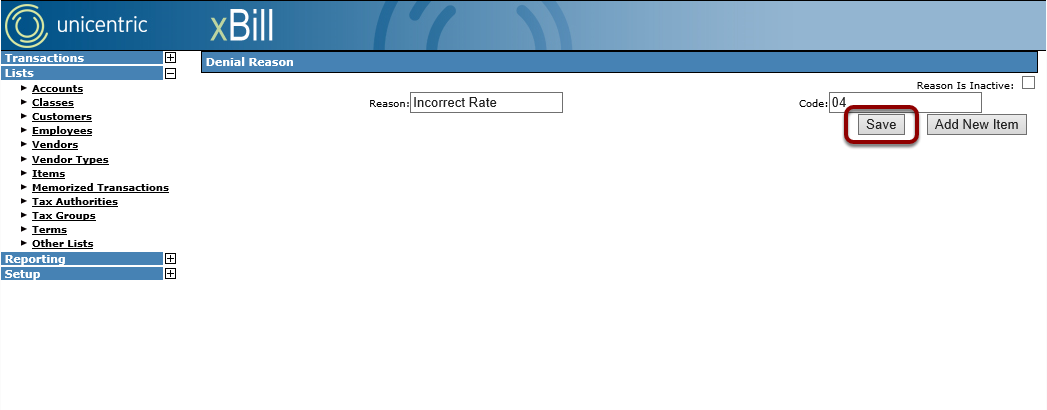
Click the Save button to create the new denial reason.