Quick add allows you to create a billable item directly on the Proofing screen
First, navigate to the Proofing screen
This is done from the dashboard menu by clicking Billing.
You will need permission to Billing to access this screen. If you do not have this permission, please contact your system administrator.
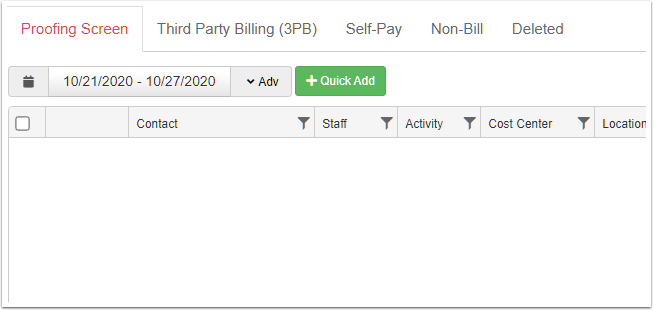
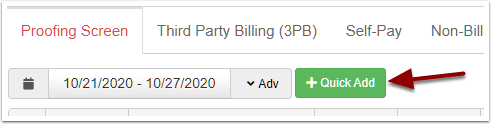
Click the Quick Add button
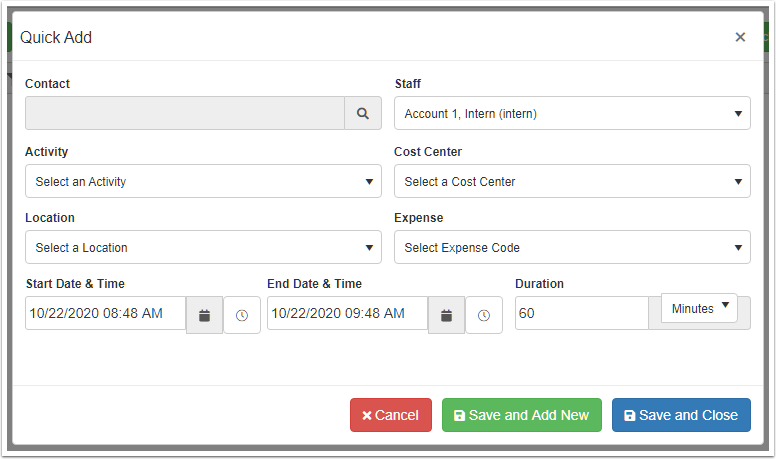
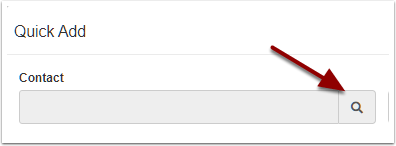
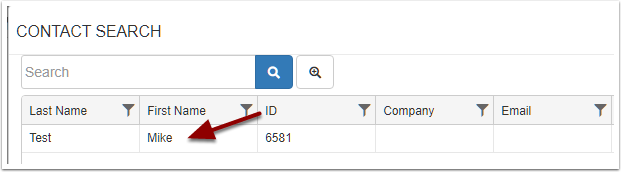
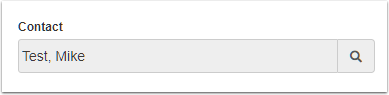
Select a contact
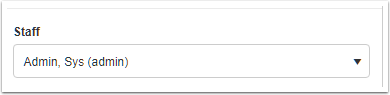
Select a staff
This will be the user of the system that is used to determine the billing modifier
Select the codes
Choose the Activity, Cost Center and Location codes that will make this a billable item.

Select the date, time and duration

Save the service

This will add the item to the Proofing screen. If you selected the right combination of codes to map to a billable item, it will show as Green.
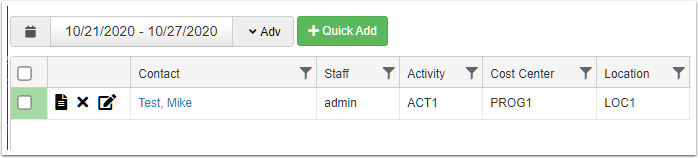
This item can be sent to a batch, created into an EDI file, and/or posted to Accounting.