Details how to post en EOB.
Edit Transaction Details
Edit the Transaction Details as appropriate.
Post the EOB
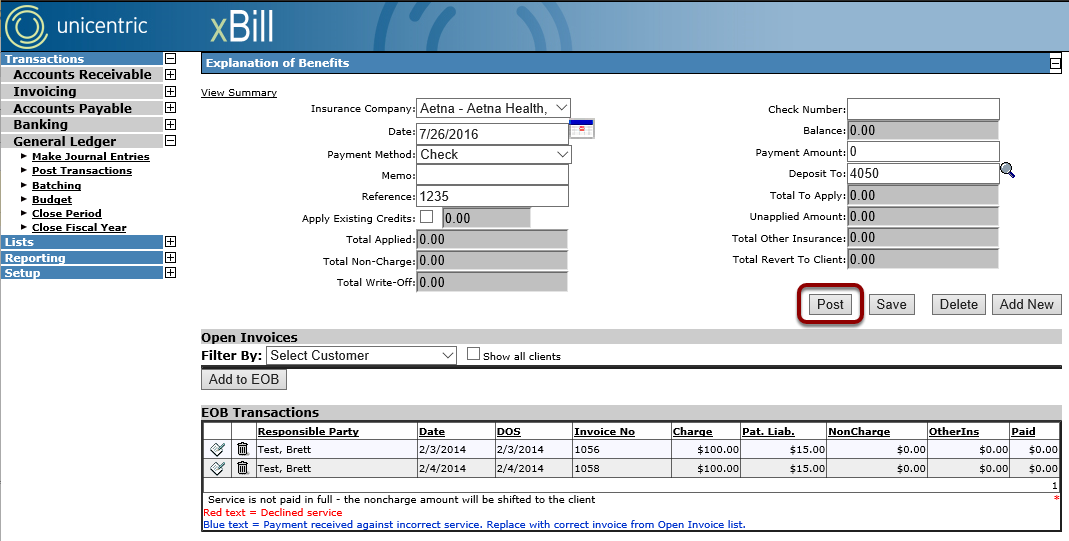
Once all necessary changes have been made, click on the Post button to post the EOB. WARNING: Once an EOB is posted, it can not be reverted.